
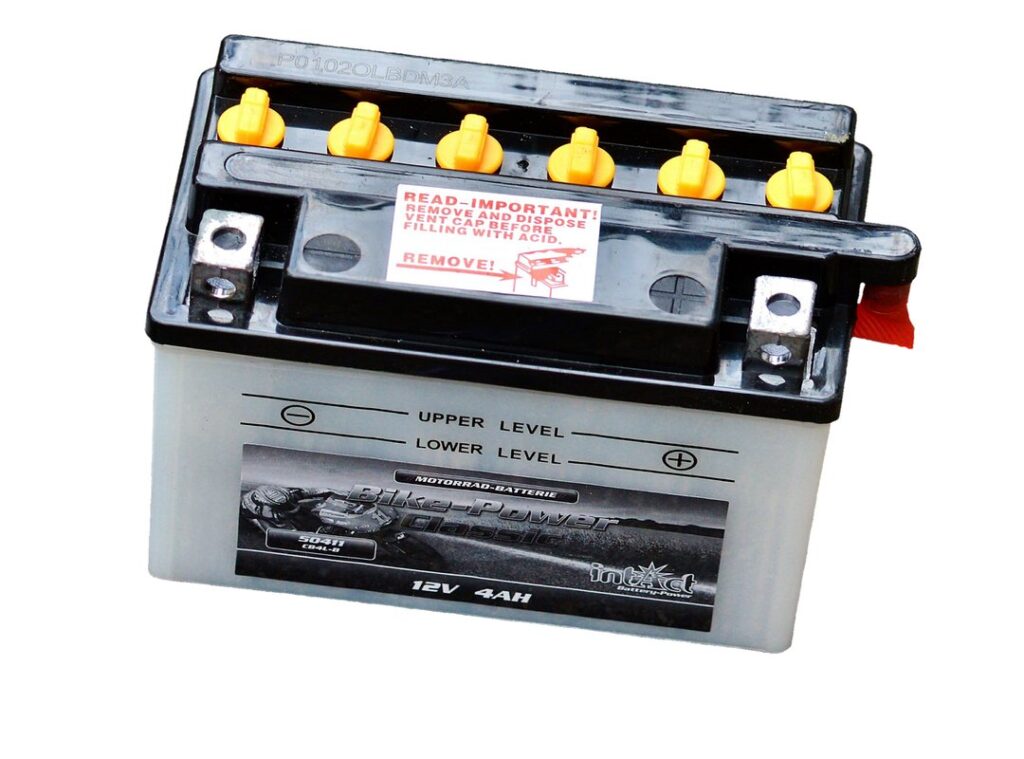
Your laptop battery is dying again. Frustrating, right? I’ve been there too.
We rely on our devices, and a dead battery can ruin a productive day.
Here’s the thing: understanding how your laptop battery works can dramatically extend its life. I’ve gathered years of tech takeaways and practical advice to share with you.
You want tips that actually work, not just theory. In this article, I promise to give you laptop battery tips that are straightforward and actionable.
Knowing how to care for your battery is key for device longevity. You don’t have to be a tech whiz to keep your laptop running longer.
I’ll break down the essentials and share the best practices. Let’s tackle this together and make sure your laptop stays powered up when you need it most. Trust me, your future self will thank you.
Laptop Battery Basics: Get Charged Up
Ever wonder why your laptop battery dies so fast? Let’s break it down. Most laptops use either Lithium-ion or Lithium-polymer batteries.
Both have their quirks, but Li-ion is more common because it’s cheaper and packs more power.
Here’s the deal: mAh (milliamp hours) and voltage are key. More mAh means longer battery life, while voltage affects how fast it charges. Simple, right?
But then there are cycles. A cycle is a full discharge and charge. Batteries degrade with each cycle.
So, if you want longevity, stop draining it to zero all the time.
Different technologies impact both performance and lifespan. Lithium-polymer has a flexible shape but doesn’t last as long in terms of cycles. And let’s get real, everyone wants a battery that lasts longer.
You do too, right? If you’re a heavy user, consider a higher mAh battery.
For most people, standard Lithium-ion works fine. But if you’re constantly on the go, a battery bank might be your best friend. Speaking of tech, if you’re into securing smart home devices, you’ll want a reliable battery to keep everything powered.
Bottom line? Choose the battery that fits your lifestyle.
Maximize Battery Life: Simple Steps
Let’s get straight to it. If you’re like me, you’re constantly battling with your laptop’s battery life. It’s like a never-ending game of cat and mouse.
First thing: screen brightness. Lower it. Your eyes will thank you.
And so will your battery.
Now, those sneaky background apps. They’re resource hogs, sucking your battery dry. Check your task manager.
Shut down what you don’t need. Simple, right? But we forget.
Power settings are another easy win. Switch to a power-saving mode. Most laptops have it pre-installed.
Why not use it? I mean, who needs full power when you’re just browsing?
Calibration is key too. Ever heard of it? Batteries need a little exercise.
Discharge it fully, then charge it up. It’s good for the battery’s soul (if it had one).
Temperature management is often overlooked. Heat is a silent killer. Keep your laptop cool.
Don’t let it bake on your bed. Use a stand or a cooling pad.
Here’s a quick guide for energy efficiency. Go to settings, find the power options. Adjust the plan settings.
Set the display to turn off after a few minutes of inactivity. Same for sleep mode.
These laptop battery tips are practical and easy. But you have to do them. Otherwise, you’ll be stuck to a wall socket forever.
Who wants that? Not me. Not you.
Let’s keep our laptops unplugged and free.
Battery Blues: Troubles & Fixes
You ever notice how your laptop battery seems to die faster than your morning coffee cools? Rapid discharge, overheating, and charging failures are the usual suspects screwing up our gadgets. Let’s tackle these issues head-on.
First, rapid discharge is a pain. Check for power-hogging apps or maybe that sneaky Bluetooth. Overheating?
It’s probably the fan. Clean it out. For charging failures, try a different charger.
It could be that simple. And hey, keep your software updated. Bugs love old software.
Let’s prevent these headaches. Don’t keep charging your laptop overnight (guilty as charged). Unplug when it hits 100%.
Use battery saver modes. Reduce screen brightness when you don’t need it at full blast. Want more how to maximize your laptop battery?
That link can save you a lot of hassle.
Pro tip: Avoid extreme temperatures. Your battery won’t thank you for leaving it in a hot car.
Now, some myths: Does keeping your laptop plugged in kill the battery? Not really, but it’s not the best habit. Do you need to drain your battery completely before recharging?
Nope, that’s old news. Just keep it balanced, and it should last.
Laptop Battery SOS: When to Swap It Out
Is your laptop gasping for power after just an hour or two? That’s a sign. Reduced run-time is the classic hint that your battery is on its last legs.
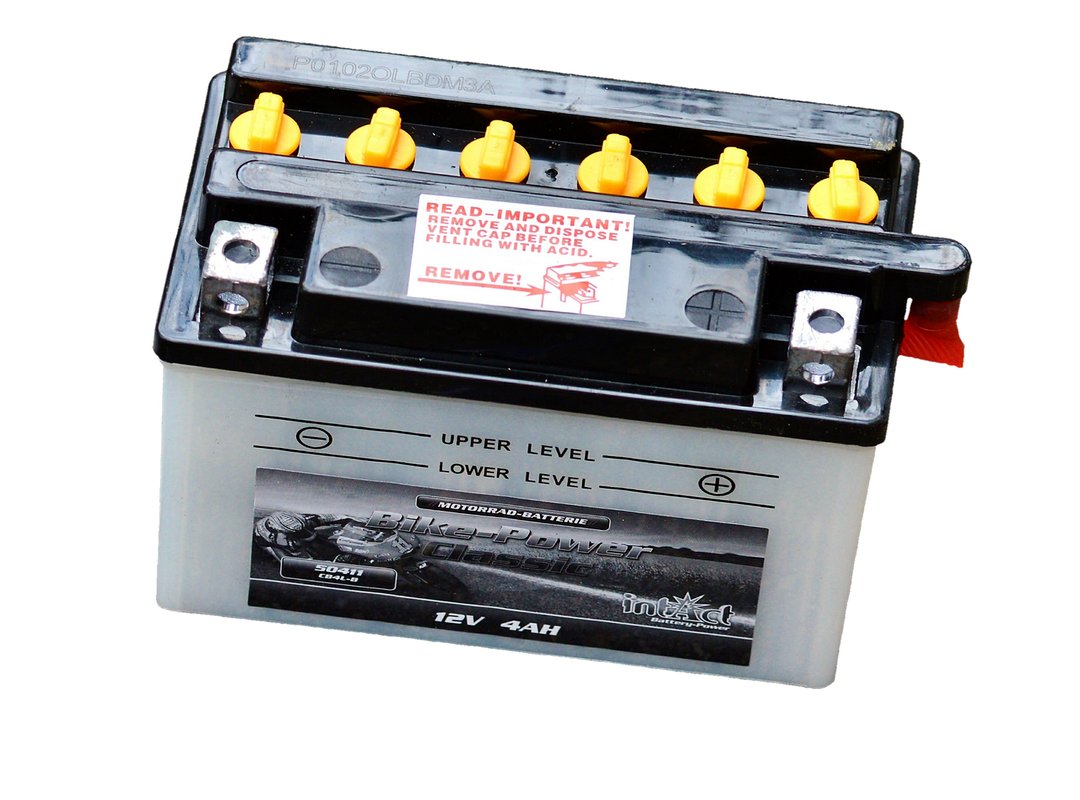
I had to learn this the hard way when mine quit during a key Zoom call (talk about embarrassing). If you notice swelling, that’s a red flag too. Swollen batteries are dangerous and should be replaced immediately.
But what do you do with the old one? Tossing it in the trash isn’t just careless. It’s bad for the environment.
You should recycle it. Many electronics stores offer recycling programs. It’s a small step, but it makes a difference.
Now, picking a replacement isn’t as simple as grabbing the first battery you see. You need one that’s compatible with your device. Check the specs carefully.
It’s worth it to spend a bit more for a quality battery.
And hey, if your laptop’s battery is always dying, maybe it’s time to boost internet speed. Faster internet can make your laptop feel brand new (just saying).
Pro tip: Always handle old batteries with care. They can leak or catch fire if damaged.
The Battery Revolution: What’s Next for Laptops?
I’ve seen a lot of tech trends, but laptop battery tech is the one to watch. Solid-state batteries are the hot topic. They promise safety and longer life.
And let’s be honest, we all want our laptops to last longer without the charger dance.
Fast charging? It’s not just for phones anymore. Brands like Dell and Apple are tinkering with this tech.
Imagine charging your laptop in the time it takes to make a sandwich.
These advancements aren’t just about convenience. They could reshape laptop design and function entirely. Thinner, lighter, more fast.
Who doesn’t want that?
But what about the future? I’m betting on wireless charging becoming mainstream. Picture a world where plugging in is ancient history.
Need more laptop battery tips? Stay tuned. The pace of change is dizzying, but also exhilarating.
As tech evolves, we might see laptops outlasting us all.
Boost Your Laptop’s Lifespan
You want your laptop to last longer. I get that.
By using these laptop battery tips, you can boost performance and prolong its life. Understanding battery care and maintenance is important.
Apply what I’ve shared and see the difference it makes.
Don’t wait for issues to arise. Explore more resources for ongoing tech advice.
Your laptop deserves the best, and so do you.
Take action now. Start using these tips today and experience the benefits.
If you have questions, reach out. I’m here to help you get the most out of your device.
 Technology Research Analyst
Orynthara Dwell is responsible for uncovering the latest developments and emerging trends in the tech world. As a Technology Research Analyst, she dives deep into innovations, providing the foundation for accurate and insightful content. Her research supports articles on evolving technologies, industry shifts, and future possibilities. Orynthara has a strong analytical mindset, allowing her to identify meaningful patterns and breakthroughs. She works behind the scenes to ensure that every insight shared is backed by reliable data and thorough investigation. Her contributions help keep DTRGS Tech Facts ahead of the curve. With a passion for discovery, she brings depth and credibility to the platform’s content.
Technology Research Analyst
Orynthara Dwell is responsible for uncovering the latest developments and emerging trends in the tech world. As a Technology Research Analyst, she dives deep into innovations, providing the foundation for accurate and insightful content. Her research supports articles on evolving technologies, industry shifts, and future possibilities. Orynthara has a strong analytical mindset, allowing her to identify meaningful patterns and breakthroughs. She works behind the scenes to ensure that every insight shared is backed by reliable data and thorough investigation. Her contributions help keep DTRGS Tech Facts ahead of the curve. With a passion for discovery, she brings depth and credibility to the platform’s content.