
We all know the frustration of a slow computer. Lagging programs and slow boot-ups can rob us of productivity. It’s maddening, right?
Many people feel stuck with their sluggish machines, often thinking a new computer is the only fix. But I’m here to tell you that significant PC performance optimization is possible without shelling out for a new device.
Drawing from my experience in tech developments and practical tips, I’ve seen firsthand how simple changes can transform your computer. You don’t have to be a tech whiz to make your machine run faster. This guide provides proven strategies, not just generic advice that you find everywhere else.
I promise that by the end of this article, you’ll have a clear roadmap to diagnose, improve, and maintain your computer for peak performance. Imagine turning that slow, unresponsive machine into a fast, fast workstation. It’s achievable, and I’ll show you how.
Let’s get started on unlocking your computer’s full potential.
Diagnosing the Bottlenecks: Why Is Your Computer Slow?
Why is your computer dragging its feet? Maybe you’re drowning in applications. We’ve all been there, with the CPU overloaded by too many programs.
Or perhaps it’s the lack of RAM. Those open tabs aren’t helping. Let’s not forget the tortoise-paced hard drive.
Mechanical drives are slower than their SSD counterparts. It’s like comparing a snail to a cheetah.
Software bloat is another culprit. Background programs you didn’t even know existed. They’re fighting each other for resources.
Don’t get me started on malware. Malicious software is the silent killer of PC performance. Overheating?
So, what do you do? First, you should check out your Task Manager on Windows. Or use Activity Monitor if you’re on macOS.
It’s more common than you think. Dust can choke your machine, leading to thermal throttling.
These tools show you what’s hogging your system’s resources. Want pro tip? Look for programs using too much CPU or memory.
That’s usually a red flag for PC performance optimization.
Do you really need those ten browser tabs open? Closing a few might just save your sanity.
Quick Wins: Turbocharge Your PC
Want to boost your PC’s speed without diving into tech jargon? You’re not alone. Let’s cut to the chase.
First off, declutter your desktop. A messy screen can hog RAM. Clear out your downloads too.
It’s surprisingly effective.
Next, manage those startup programs. Too many apps slowing your boot time? Disable the unnecessary ones.
This simple act can feel like a game-changer. Then, get rid of unused software. Bloatware is a silent killer of performance.
Free up disk space by uninstalling junk you don’t use.
And don’t forget your browser. Clear that cache. Remove extensions you don’t need.
They might be slowing you down more than you think.
Keep your operating system and drivers up to date. Security patches and performance boosts are worth the few clicks. Regular updates are not just a chore but a PC performance optimization necessity.
For those with traditional hard drives, run disk cleanup tools and defragment regularly. It’s not just for neat freaks.
Curious about Maximizing Smartphone Battery Life? Check it out for more tech tips. These steps are quick, easy, and can make a real difference.
Boost Your System: Advanced Tweaks for Extreme Performance
So, you’re serious about squeezing every last drop of power out of your PC. Me too. Let’s talk PC performance optimization without the fluff.
First, go beyond the usual system clean-up. I’m talking deep, systemic tweaks.
Start by switching your power settings from ‘Balanced’ to ‘High Performance’. Too many people leave their systems throttled when they don’t have to. Then, get into virtual memory.
It’s not just for nerds. Increasing your page file size can grant a noticeable speed boost, especially if your RAM is low.
Visual effects? You’re not making an indie film. Disabling those flashy animations can free up precious resources.
Have you checked what’s running in the background? Kill those unnecessary apps and services. They’re energy vampires.
Got an older system? Use ReadyBoost with a USB drive to give your PC a little pep. Remember, always back up before making significant changes.
You don’t want to mess things up irreversibly.
For more ways to supercharge your setup, consider enhancing home wi fi. It’s another step in your quest to get the most out of your tech.
Hardware Upgrades: Beyond Software Tweaks
Ever hit that point where software tweaks just don’t cut it anymore? If you’re thinking about PC performance optimization, it’s time to consider hardware. Trust me, an SSD upgrade is a game changer.
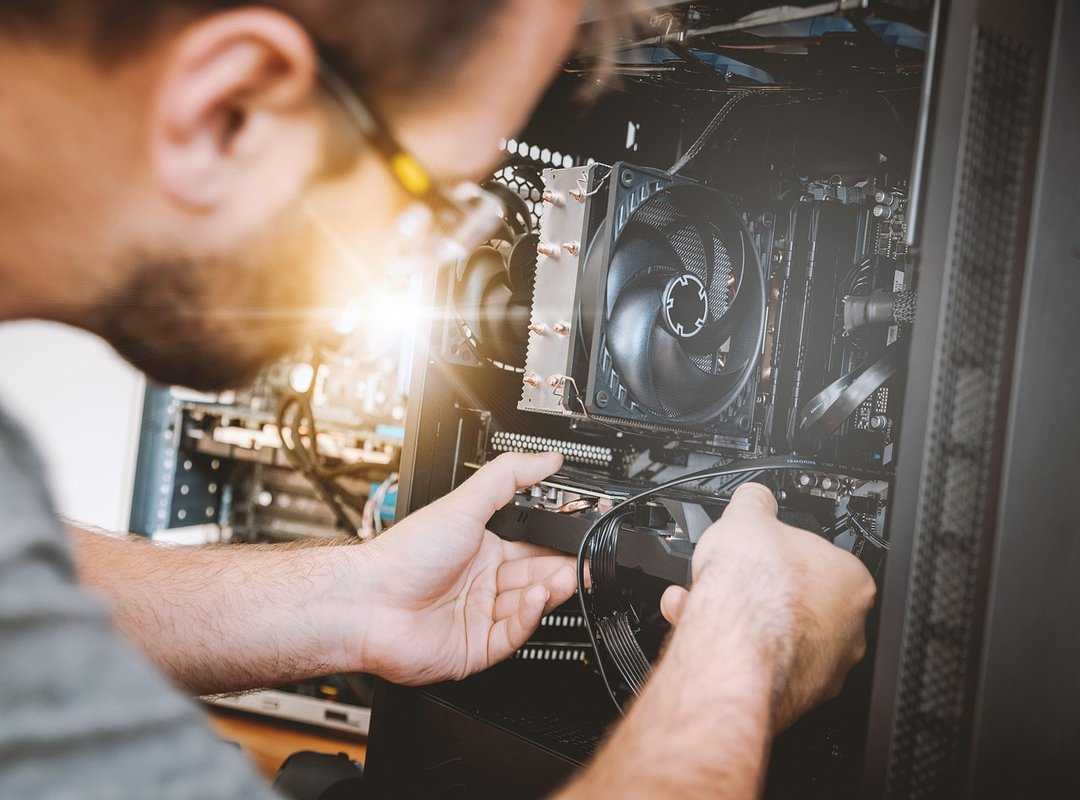
Say goodbye to snail-paced boot times. Swapping your old HDD for an SSD can make your PC feel brand new.
Now, let’s talk RAM. Ever tried to open a dozen tabs at once and felt the lag? Not fun.
Check your current RAM usage. If you’re maxing it out, an upgrade can breathe new life into multitasking. More memory equals smoother performance.
But what about graphics cards? If you’re gaming, video editing, or diving into 3D rendering, a GPU upgrade might be important. For everyday users, though, maybe not so much.
Compatibility is key here, so do your homework before upgrading.
Considering a CPU upgrade? It’s tricky. Compatibility issues can make this a headache.
Sometimes, buying a new system might be more practical. You want power, but not at the cost of endless headaches.
Lastly, don’t forget the power of fast external drives. These beauties can offload heavy data and speed up your workflow. For more tips to speed up windows 10, dive deeper into the options.
Sustaining Peak Performance: A Personal Guide
PC performance optimization isn’t just a one-time gig; it’s a continuous effort. Trust me, I’ve battled sluggish machines. Regular upkeep is non-negotiable.
Ever skipped a malware scan and paid for it later? Me too. It’s key to use reputable antivirus software and schedule those scans.
Your future self will thank you.
Updating software isn’t just for geeks. It’s about keeping every application (not just the OS) running smoothly. You’re plugging security holes, smashing bugs, and boosting performance.
Dust is the silent killer of PCs. I learned it the hard way when my laptop started overheating. Clean your computer’s fans and vents regularly.
It’s surprisingly easy and keeps your machine cool and collected.
Backups? They’re your safety net. Whether it’s to the cloud or an external drive, regular system backups offer peace of mind.
You can’t predict when things might crash.
Software hygiene matters too. Close those unused programs and keep browser extensions in check. Every bit of clutter slows you down.
Don’t forget about disk space. A full drive is a sure way to bog down performance. Keep it clear and your PC will thank you.
Speed Up Your Digital Life Today
You’ve got the tools for PC performance optimization right in your hands. No more letting a slow computer dictate your day.
You know that feeling of frustration? The one when your machine just won’t cooperate? I’ve been there, and it sucks.
But now you can take charge.
By diagnosing issues, applying software tweaks, and keeping up with maintenance, you’re on your way to a faster, more responsive machine.
So why wait? Start implementing these strategies today. Pick one or two tips and feel the difference instantly.
You owe it to yourself to reclaim that speed. Keep pushing forward and explore more takeaways to keep your tech running smoothly.
It’s time to turn that sluggish performance into a memory. Take action now.
 Technology Research Analyst
Orynthara Dwell is responsible for uncovering the latest developments and emerging trends in the tech world. As a Technology Research Analyst, she dives deep into innovations, providing the foundation for accurate and insightful content. Her research supports articles on evolving technologies, industry shifts, and future possibilities. Orynthara has a strong analytical mindset, allowing her to identify meaningful patterns and breakthroughs. She works behind the scenes to ensure that every insight shared is backed by reliable data and thorough investigation. Her contributions help keep DTRGS Tech Facts ahead of the curve. With a passion for discovery, she brings depth and credibility to the platform’s content.
Technology Research Analyst
Orynthara Dwell is responsible for uncovering the latest developments and emerging trends in the tech world. As a Technology Research Analyst, she dives deep into innovations, providing the foundation for accurate and insightful content. Her research supports articles on evolving technologies, industry shifts, and future possibilities. Orynthara has a strong analytical mindset, allowing her to identify meaningful patterns and breakthroughs. She works behind the scenes to ensure that every insight shared is backed by reliable data and thorough investigation. Her contributions help keep DTRGS Tech Facts ahead of the curve. With a passion for discovery, she brings depth and credibility to the platform’s content.